Post-Click Experience: The Complete Ecommerce Guide
Your ads get the click. What happens next determines whether you get the sale. A practical guide to post-click optimization for ecommerce brands.
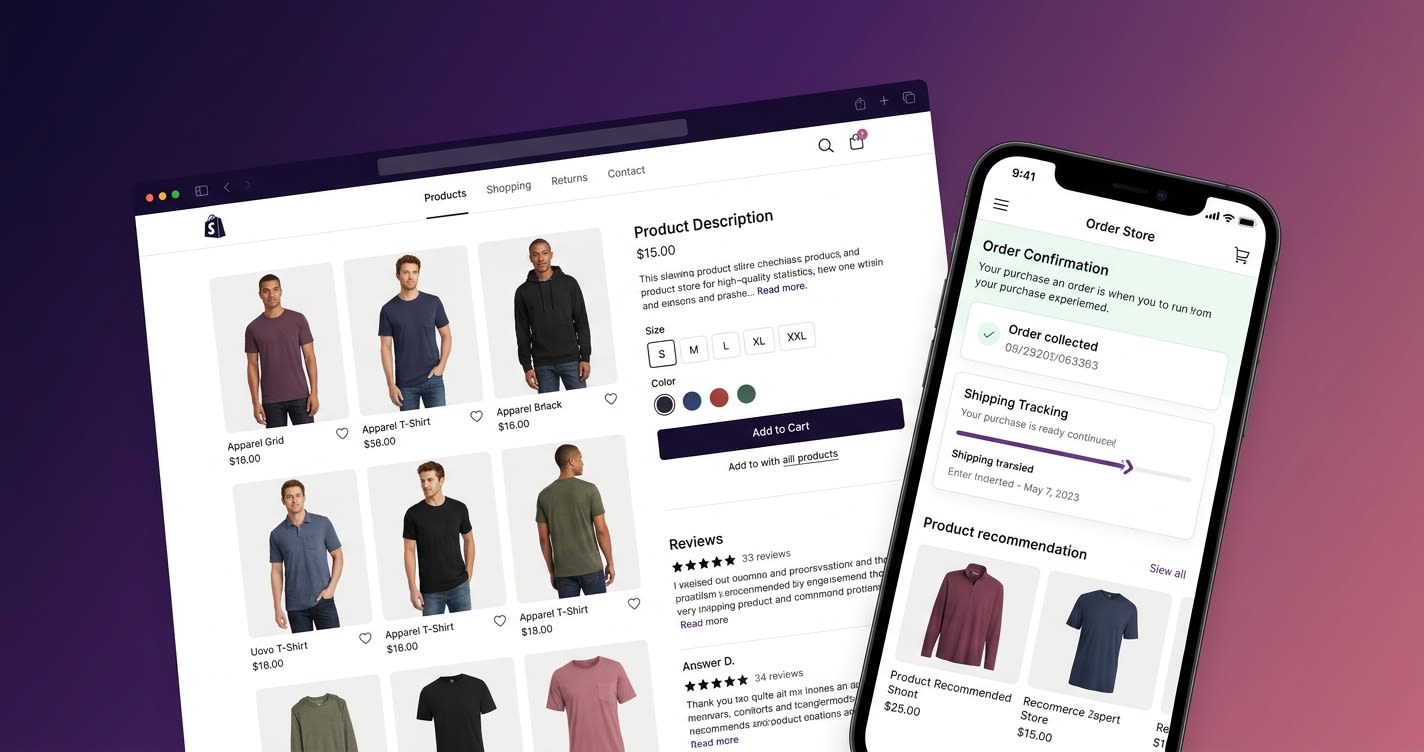
Ecommerce brands spend billions on paid social ads every year. Global digital ad spend hit $790 billion in 2025 (Statista). Meta alone generates over $130 billion in annual revenue, with ecommerce being the largest advertising category. Google Shopping, TikTok Ads, Pinterest — the spend keeps growing.
But here's the uncomfortable truth: the average ecommerce conversion rate from Meta ads is just 1.6%. That means for every 100 clicks you pay for, 98 shoppers leave without buying.
The ads aren't the problem. The click happened. The shopper was interested enough to tap. What failed was everything that came after — the post-click experience.
What Is the Post-Click Experience?
The post-click experience is everything a shopper sees and does between clicking your ad and either completing a purchase or leaving. It includes:
- The page they land on
- The products they see (and don't see)
- The content that surrounds those products
- The navigation options available to them
- The checkout process
- The overall speed, design, and feel of the experience
For most ecommerce brands, the post-click experience is an afterthought. Teams spend weeks crafting ad creative, optimizing targeting, and testing copy — then send all that carefully earned traffic to a generic product page that was designed for organic browsing, not campaign conversion.
This is the post-click gap: the disconnect between a highly optimized ad and a generic, unoptimized landing destination.
The Post-Click Gap in Numbers
The scale of the problem is staggering:
- For every $92 spent acquiring customers, only $1 is spent converting them (Econsultancy). A 92:1 ratio.
- Average ecommerce conversion rate from Meta ads: 1.6% (Triple Whale) — meaning 98%+ of paid clicks don't convert
- Average cart abandonment rate: over 70% (Baymard Institute)
- Mobile is the majority of social ad traffic but converts at roughly half the desktop rate: ~1.8% vs ~3.5% (ConvertCart)
- $84 billion in digital ad spend was lost to fraud alone in 2025 (eMarketer)
The math is brutal. If you're spending $50,000/month on Meta ads and converting at 1.6%, that's over $49,000 worth of clicks going to waste. Improving your conversion rate from 1.6% to 3.2% would double your revenue without spending a single extra dollar on ads.
This is why post-click optimization is arguably the highest-leverage activity in ecommerce marketing.
Why Most Post-Click Experiences Fail
1. Message Mismatch
The most common failure: the ad promises one thing, the landing page delivers another.
A shopper sees an Instagram ad featuring a model wearing a specific red dress with the copy "30% off new arrivals." They tap. They land on a category page with 200 products, no visible discount, and the red dress buried somewhere below the fold.
The momentum dies. The shopper bounces.
Message match — the alignment between ad creative/copy and the landing experience — is the single most important factor in post-click conversion. When the shopper sees exactly what they clicked for, conversion rates improve dramatically.
2. Too Many Exit Points
A typical Shopify product page has: a header with navigation, a search bar, promotional banners, breadcrumbs, related products, recently viewed items, footer links, and often a popup or two.
For organic traffic that's browsing, these elements are useful. For campaign traffic that clicked a specific ad, every one of them is a distraction — an exit point that competes with the conversion action.
Studies consistently show that reducing navigation options on conversion-focused pages increases conversion rates. It's not about removing functionality — it's about removing it from the campaign experience.
3. Checkout Friction
The checkout experience is where the most money is lost. Common friction points:
- Page redirects — moving from a landing page to the store checkout creates a jarring context switch
- Account creation requirements — forcing registration before purchase
- Unexpected costs — shipping and taxes appearing late in the funnel
- Payment complexity — limited payment options or multi-step payment forms
- Mobile UX — checkout forms not optimized for thumb navigation
Every additional step in the checkout process increases the probability of abandonment. The brands with the highest conversion rates have the shortest distance from "I want this" to "I bought this."
4. One-Size-Fits-All
Running the same landing experience for every campaign, audience, and traffic source is the equivalent of sending the same email to your entire list. It "works" — but it works poorly.
A shopper who clicked a TikTok ad featuring an influencer review has different expectations than a shopper who clicked a Google Shopping ad. A first-time visitor needs more social proof than a retargeted customer. A bundle offer needs different presentation than a single-product promotion.
When every click leads to the same generic page, you're optimizing for the average and converting nobody particularly well.
How to Optimize Your Post-Click Experience
Step 1: Match the Message
Every ad should have a corresponding landing experience that matches its creative, copy, and offer. This doesn't mean you need hundreds of pages — it means you need a system for creating campaign-specific experiences quickly.
Tactical checklist:
- The hero image/video should match or directly relate to the ad creative
- The headline should echo the ad's primary promise
- If the ad mentions a specific offer (discount, bundle, free shipping), it should be immediately visible
- The featured product should be the product shown in the ad
Step 2: Remove Distractions
Strip your campaign landing experience down to the essentials:
- Remove site-wide navigation (or minimize it drastically)
- Remove promotional banners and popups
- Remove footer links and site-wide elements
- Keep the focus on: product, content, social proof, and checkout
This doesn't apply to your main store — only to your campaign-specific experiences. The goal is a single, clear path from landing to conversion.
Step 3: Embed the Checkout
The fewer transitions between landing and purchase, the better. The gold standard is embedded checkout — where the shopper can browse, select, and pay without ever leaving the experience.
Micro-storefronts solve this by design. Checkout is built into the experience. No redirects, no context switches, no momentum-killing page loads.
Step 4: Personalize by Source
Create different experiences for different traffic sources:
- Paid social → Campaign-specific micro-store matching the ad creative
- Influencer/creator links → Co-branded store with the creator's curated picks
- Email/CRM → Personalized experience based on purchase history
- Retargeting → Streamlined checkout experience (they already know the product)
Step 5: Optimize for Mobile
Mobile accounts for the majority of social ad traffic but converts at roughly half the desktop rate — around 1.8% vs 3.5%. The average mobile checkout takes significantly longer than desktop, and mobile cart abandonment rates are higher across every industry.
Your post-click experience must be mobile-first:
- Load time under 2 seconds — every additional second costs up to 7% in conversions
- Thumb-friendly interactions — large tap targets, swipeable galleries, minimal typing
- Express checkout — Apple Pay, Google Pay, Shop Pay. Minimize form fields completely.
- Vertical-first layouts — design for the screen your shoppers actually use
Step 6: Measure What Matters
Most brands track landing page views and maybe bounce rate. For post-click optimization, you need deeper metrics:
- Click-to-purchase rate — the true conversion metric
- Time to first add-to-cart — how quickly shoppers engage
- Checkout initiation rate — how many reach checkout vs. how many start
- Checkout completion rate — where in the checkout flow are you losing people
- Revenue per click — the ultimate efficiency metric, combining CVR and AOV
Track these per campaign, per traffic source, and per audience segment. The insights compound quickly.
Post-Click Optimization in Practice
The brands seeing the biggest gains from post-click optimization share a common approach: they treat the post-click experience as a product, not an afterthought.
Supercilium reduced their customer acquisition cost by 79% — not by changing their ad creative, but by replacing their post-click destination with a micro-storefront that matched their campaign messaging, featured UGC from their community, and included embedded checkout.
Tribe WOD increased both conversion rate and AOV by 60% by building campaign-specific micro-stores that transitioned the trust from their UGC content campaigns into the shopping experience.
Kjavik launched 10 micro-stores in 6 weeks across their Facebook and Instagram campaigns, reducing cost per order by 24.9%.
The pattern is consistent: brands that invest in their post-click experience see disproportionate returns compared to brands that only optimize their ads.
The 92:1 Problem
Here's the most counterintuitive ratio in ecommerce marketing: brands spend $92 on customer acquisition for every $1 on conversion. The investment is almost entirely in getting the click, with virtually nothing spent on converting it.
This imbalance is the single biggest opportunity in paid social commerce. Your ad budget buys attention. Your post-click experience converts it into revenue. Doubling your conversion rate from 1.6% to 3.2% doubles your revenue — without spending a cent more on media.
The brands seeing the biggest gains — Glossier saw a 65% ROAS lift from post-click experiments — are the ones that treat the post-click experience as a product, not an afterthought.
Getting Started
If you're spending significant budget on paid social ads and sending traffic to generic product pages, post-click optimization is likely your highest-leverage opportunity.
Start with one campaign:
- Identify your highest-spend ad campaign
- Build a dedicated experience that matches its creative and offer
- Remove distractions and embed checkout
- Measure the difference in conversion rate and ROAS
Comet micro-storefronts are designed specifically for this. They integrate with Shopify and Salesforce Commerce Cloud, take minutes to build, and include embedded checkout and full-funnel attribution.
Start free or book a demo to see what better post-click experiences can do for your ROAS.
Frequently Asked Questions
What's the difference between post-click optimization and conversion rate optimization (CRO)? CRO is a broader discipline that covers your entire store experience. Post-click optimization focuses specifically on the experience campaign traffic sees after clicking an ad. It's a subset of CRO, but one that's often neglected in favor of main-store optimizations.
How much can post-click optimization improve my ROAS? Results vary by brand, but the Comet customer base has seen CVR improvements ranging from 40% to 240%, which translates directly to proportional ROAS improvements. Even modest gains — improving from 2% to 3% CVR — represent a 50% improvement in ad efficiency.
Do I need to change my ad creative? No. Post-click optimization works with your existing ads. You're improving what happens after the click, not changing the click itself. In fact, strong post-click experiences often improve your ad performance metrics too, since platforms like Meta optimize delivery based on conversion signals.
Is this only for paid social? Post-click optimization applies to any traffic source where you control the link destination: paid social, email, SMS, influencer links, QR codes, and more. It's most impactful for paid channels because you're paying per click and have the most to gain from conversion improvements.
Build your first Checkout Store free.
Connect your store and launch a curated funnel in minutes.